Getting started with Friday
From signing up to a private assistant that reads your calendar, rings your phone, and reshapes itself to how you work — in about ten minutes. Follow the flow.
Request access
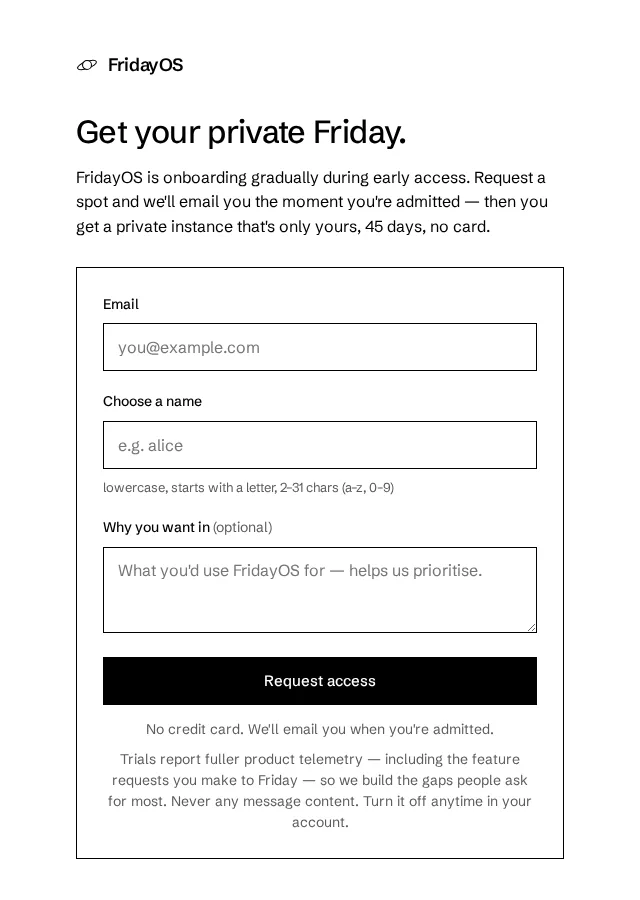
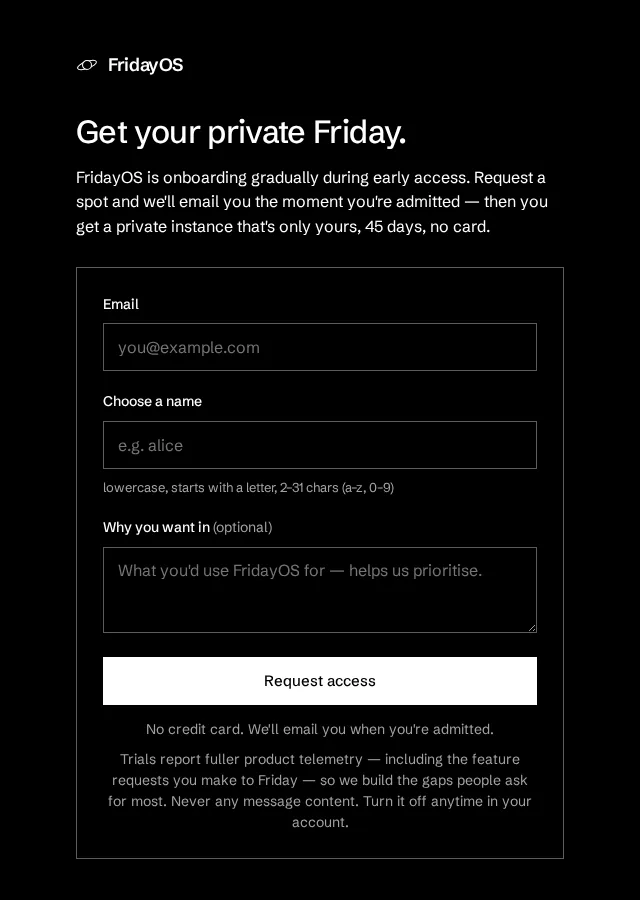
Go to systems.cyberneel.com/trial. Pick a name (it becomes your private address, e.g. alex-friday.cyberneel.com), your email, and a short note on why you want in. No card — we email you the moment you're admitted, with your instance and login.
Open your account
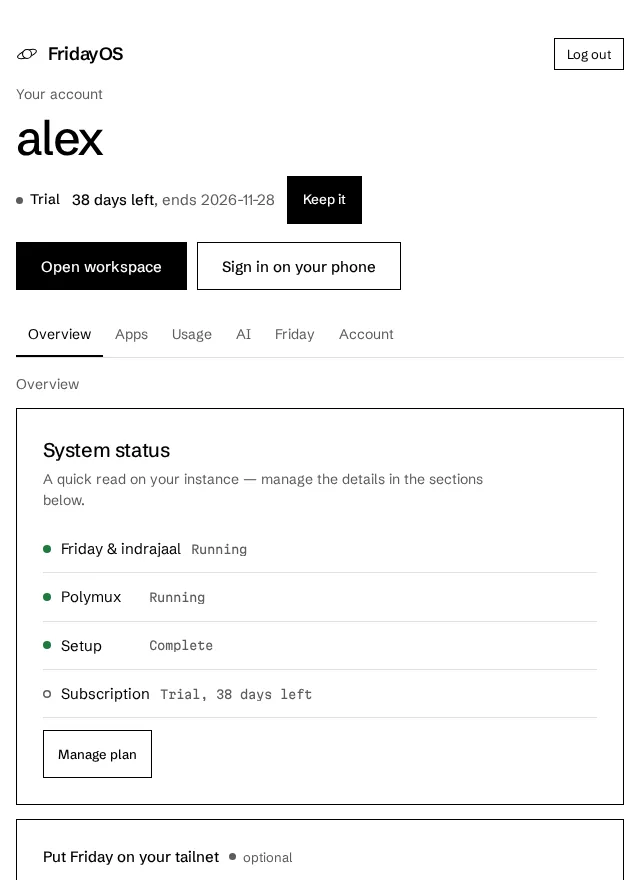
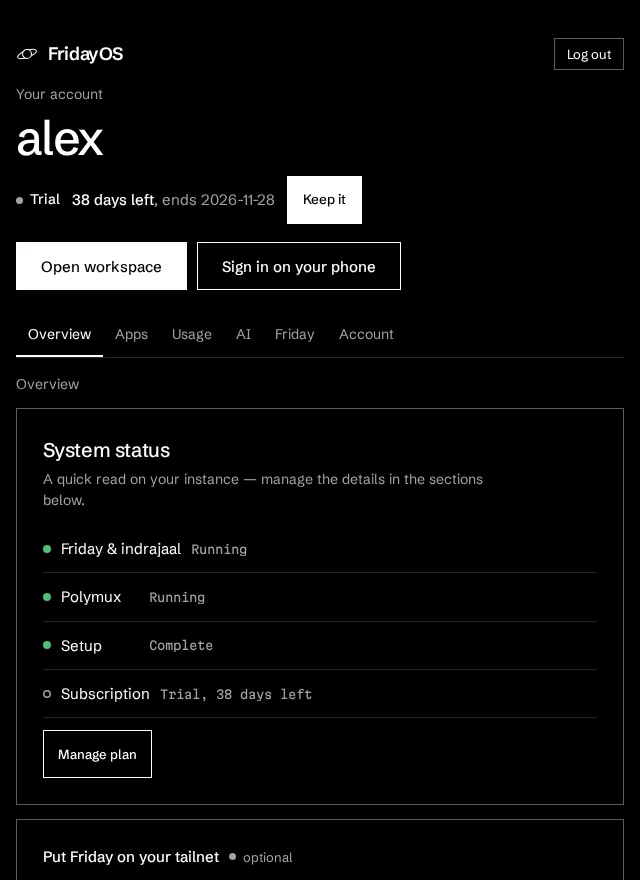
Your welcome email links straight to sign-in — enter the code we send, then set the one password that works across Friday, indrajaal and Polymux. /account is home base: connections, plan, password, usage, storage. Sign back in anytime at /login.
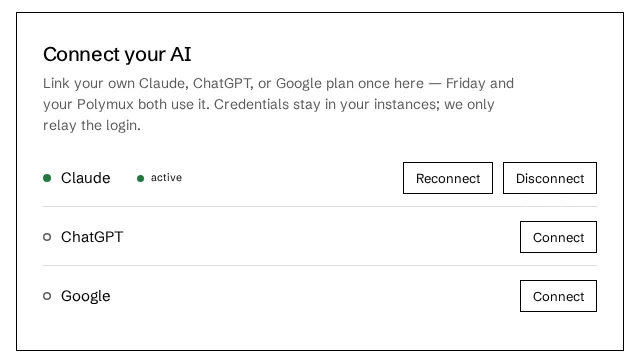
Connect your AI
Friday thinks with your subscription — nothing metered by us. On the Connect card, pick Claude, ChatGPT, or Google, authorize, and paste the code back. A green dot shows what's live.
/account ticks itself.Bring your world
Give Friday the things it should watch and act on — one merged view it can plan around.
Make it yours by asking
Don’t dig through settings. Tell Friday, and it reshapes itself — layout, tone, even the colours. Everything’s reversible.
Use it everywhere
Your day as live cards, hands-free voice, a phone call when it’s genuinely urgent, and the whole thing in your pocket.
/account — then scan the code to sign in.Power moves
Reshape & recolour by voice
“hide sessions, pin email, teal accent” — layout and colours change instantly.
Grow its reach
“connect Linear and show me my issues on Mission Control.”
Self-host the heavy stuff
Run your own Polymux or browser for real power; link it in Settings.
Push & calls on self-host
Coming soon, with self-hosting: the relay brings phone calls to your own box.
Join your tailnet (optional)
Paste a Tailscale auth key in Friday → Settings → Tailscale: Friday sees your devices and can drop files onto your phone.
Your keys, your data
Isolated per-user instance; message content never leaves it.
Two ways to run it
Hosted
Private, always-on, about 5 minutes of setup — plus push + phone calls. 45-day free trial, then keep it.
Request access
Self-host
Coming soon. Free to run on your own box, with your keys and your data.
See self-host
Want every detail? Read the full FridayOS Handbook